What is HEIC and why is it a problem?
HEIC (High Efficiency Image Container) is the default photo format on iPhones since iOS 11. It produces smaller files with better quality than JPG — great for storage, but a headache everywhere else. Most websites, Windows PCs, older design tools, and many apps don't support HEIC. FileChair converts your HEIC images to universally supported formats instantly.
Do my photos get uploaded anywhere?
Never. FileChair is a fully native Mac app — all conversion happens locally using built-in macOS image processing. Your photos stay on your Mac. There are no accounts, no servers, no analytics. What's on your computer stays on your computer.
How do I install FileChair?
After purchase, download the FileChair.dmg file. Open it, drag FileChair to your Applications folder, and launch it. Because FileChair is not distributed through the Mac App Store, macOS may ask you to confirm you want to open it. Right-click the app → Open → Open to confirm. You'll only need to do this once.
Why isn't it on the Mac App Store?
Distributing outside the App Store lets us offer FileChair at a lower price and ship updates faster. The app is safe — it's built with standard macOS frameworks and doesn't require any special permissions. The first-launch confirmation is a standard macOS security feature for apps outside the App Store.
What Mac and macOS versions are supported?
FileChair requires macOS 13 Ventura or later. It runs natively on both Apple Silicon (M1, M2, M3, M4) and Intel Macs. If you're unsure which version you have, go to → About This Mac.
Can I convert multiple files at once?
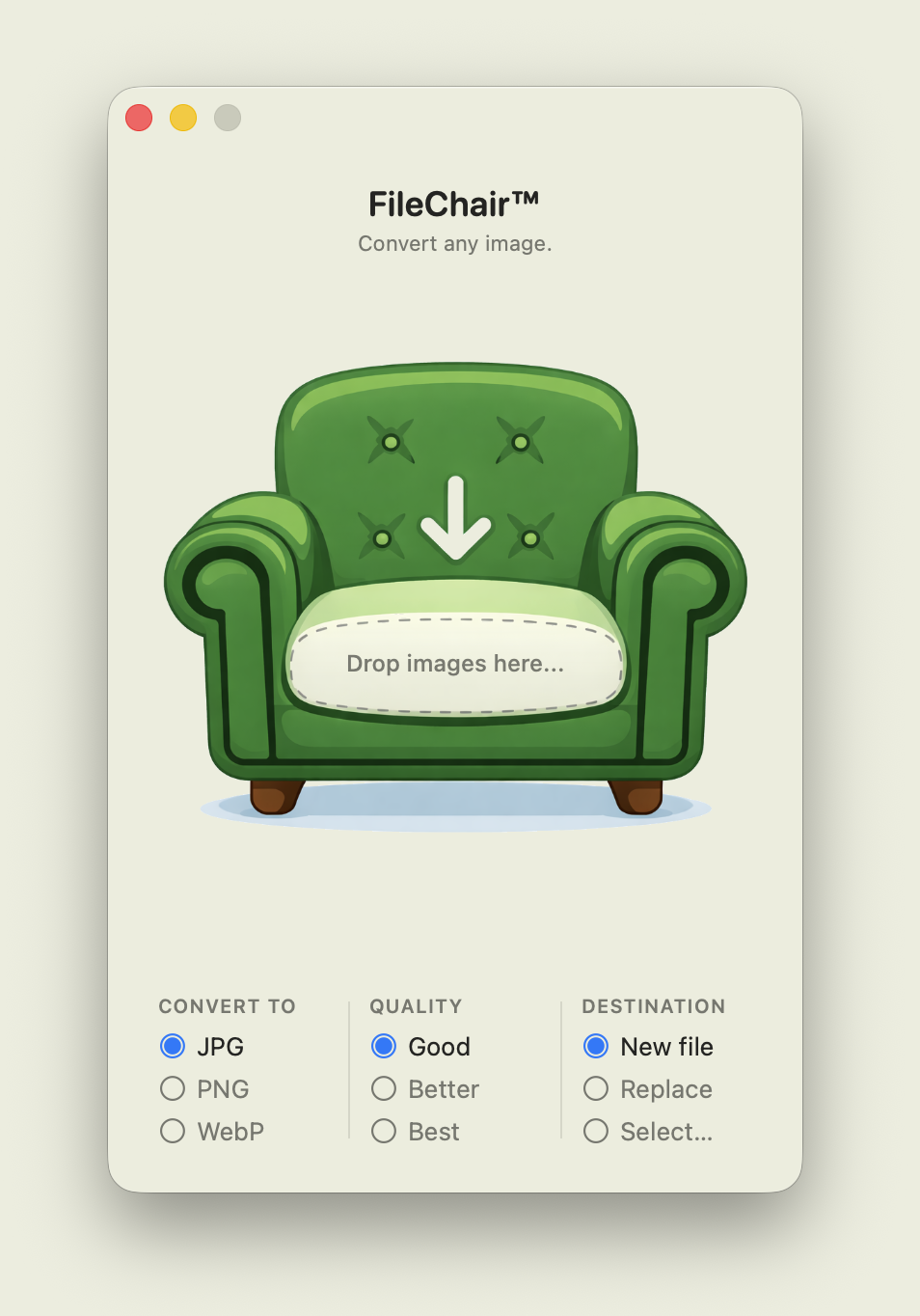
Yes — batch conversion is a core feature. Drop as many files as you want onto FileChair in one go, choose your output format and quality, and they'll all be converted in one step.
Will my original files be overwritten?
Only if you choose to replace them. By default, FileChair saves converted files as new files alongside the originals. You can also choose a custom output folder. Your originals are never touched unless you explicitly choose the "Replace" option.
What quality settings are available?
FileChair offers three quality settings for JPG and WebP output: Good (smaller file, great for web and sharing), Better (balanced quality and size), and Best (maximum quality, larger file). PNG output is always lossless and unaffected by quality settings.
I bought it — how do I get the file?
After completing payment, Gumroad will show a download button and send you a confirmation email with your download link. You can re-download at any time using that email link. No account required.
What's your refund policy?
If FileChair doesn't work on your Mac for any reason,
email us within 14 days of purchase and we'll sort it out. We want you to be happy with the purchase.
Do you offer free updates?
Yes. You pay once and get all future updates at no extra cost. When we release a new version, you'll find the download link in your original purchase email.